Mobile banking has replaced the teller window for millions of consumers. It has also created a new hunting ground for fraudsters. As banking moves onto smartphones, phishing scams have evolved to exploit the trust people place in their devices. Understanding how these scams operate is the first step toward protecting your money and your identity.
What Mobile Banking Phishing Actually Looks Like
Phishing attacks targeting mobile banking users take several distinct forms, and recognizing each one matters.
Fake Text Messages ("Smishing")
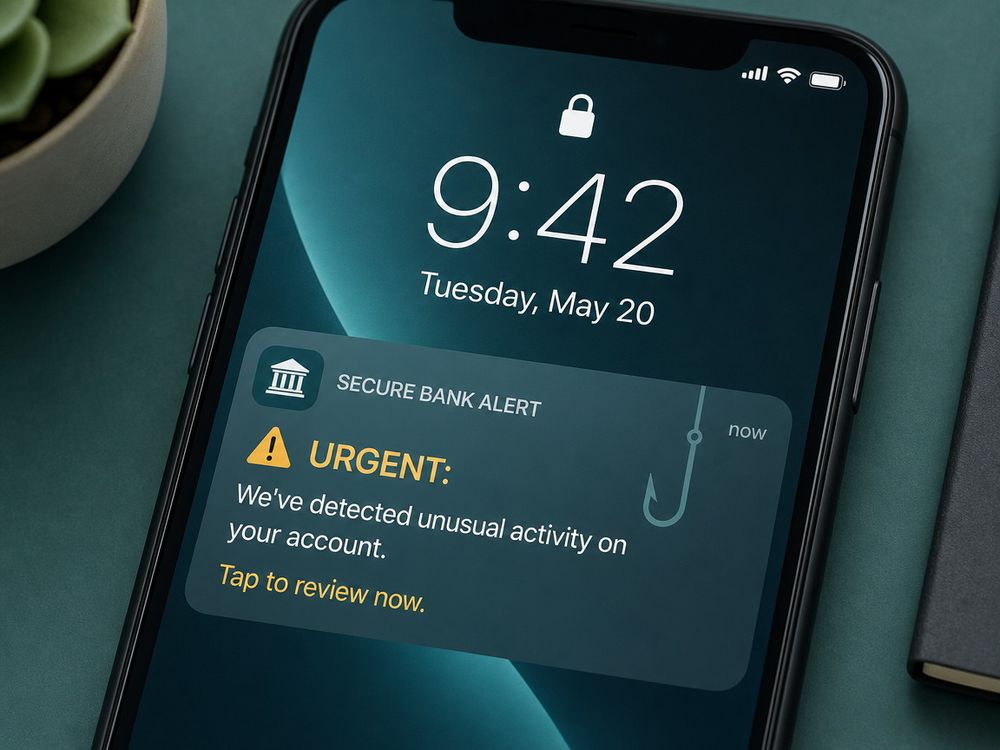
Scammers send text messages disguised as urgent alerts from your bank. A typical message claims your account has been locked or flagged for suspicious activity. The text includes a link that leads to a convincing but fraudulent login page. Once you enter your credentials, the attacker captures them instantly.
Spoofed Banking Apps
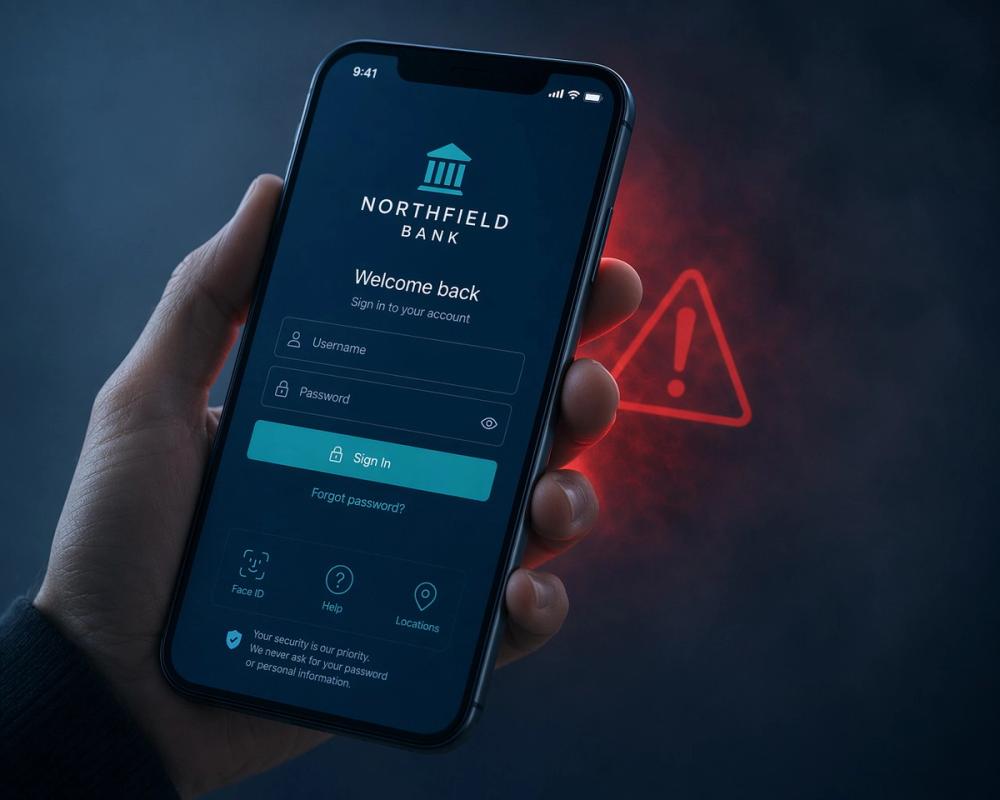
Some criminals go further and build cloned versions of legitimate banking apps. These fake apps sometimes appear in third-party app stores or through sideloaded installation files. They mimic the real bank's branding closely enough to fool a distracted user. Once installed, the app harvests login information the moment you type it in.
Phone-Based Social Engineering
Not every scam relies on a link. Some fraudsters call victims directly and pose as bank fraud investigators. They create a sense of urgency and ask the victim to confirm a one-time passcode sent to their phone. That code is often the final piece needed to complete an unauthorized transaction.
Red Flags That Signal a Phishing Attempt
Certain warning signs appear consistently across mobile banking scams, and learning to spot them takes only a little practice.
Messages that demand immediate action deserve suspicion. A text claiming your account will be suspended within hours is designed to short-circuit careful thinking. Legitimate banks rarely issue such extreme ultimatums through text alone.
Requests for sensitive information are another clear signal. Your bank will never ask for your full card number, PIN, or one-time passcode through text or phone call. Any message that does so should be treated as fraudulent.
Small details often expose the scam as well. A sender's phone number that does not match your bank's official contacts, a link that leads to a slightly misspelled domain, or a generic greeting instead of your actual name all point toward deception. Poor grammar and awkward phrasing frequently appear too, since many phishing campaigns originate from non-native templates.
Practical Steps to Protect Your Mobile Banking
Protecting yourself requires a combination of habits and tools working together.
Verify Independently
If you receive a suspicious message, do not click any links or call any numbers included in it. Instead, open your banking app directly or call the number printed on the back of your card. This simple habit defeats nearly every smishing attempt, since scammers cannot intercept a call you initiate yourself.
Strengthen Access Controls
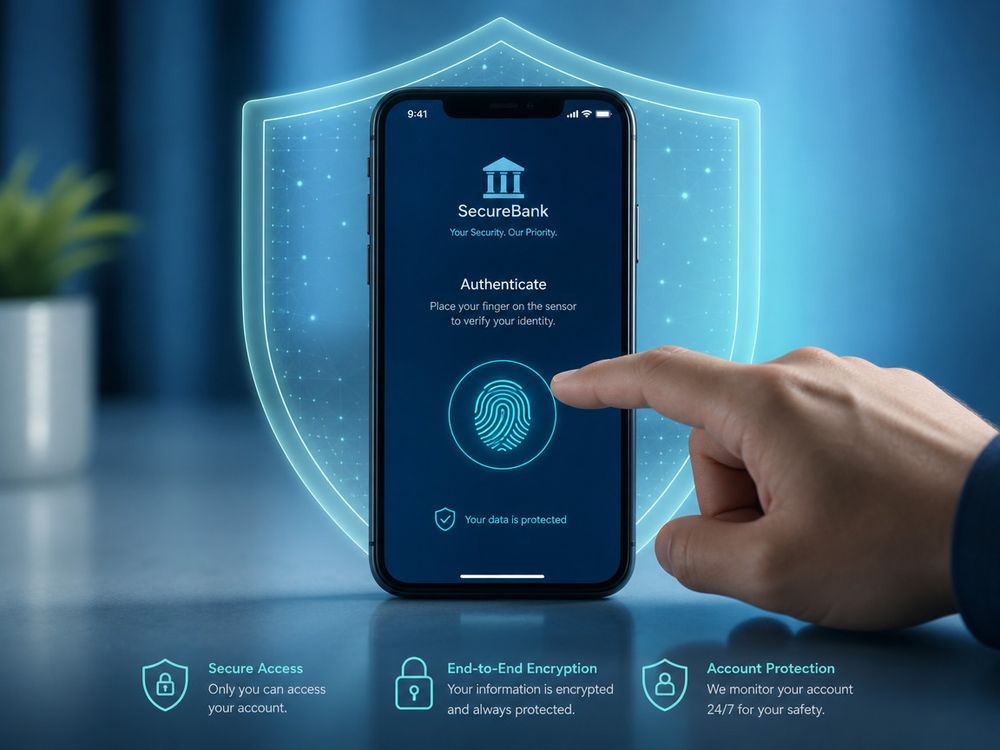
Enable multi-factor authentication on every banking account that offers it. Biometric login, such as fingerprint or facial recognition, adds another layer that a remote attacker cannot easily bypass. Never share a one-time passcode with anyone, even someone who claims to represent your bank's fraud department.
Vet Your Apps
Download banking apps exclusively from official app stores such as Google Play or the Apple App Store. Before installing, confirm the developer name matches your bank exactly and check recent reviews for complaints about suspicious behavior. A banking app with few downloads or vague developer information warrants extra caution.
Monitor and Respond
Set up real-time transaction alerts so you learn about account activity the moment it happens. If you receive a suspicious text or call, report it to your bank's fraud department and to relevant authorities such as the Federal Trade Commission or the Internet Crime Complaint Center. Reporting these attempts helps limit their reach and protects other potential victims.
What to Do If You've Already Clicked or Responded
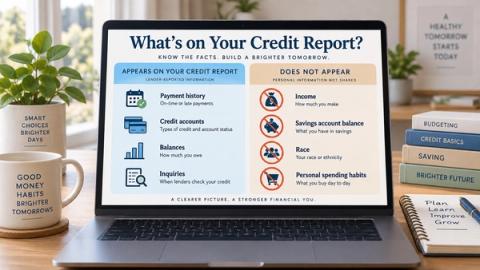
Acting quickly limits the damage if you suspect you have fallen for a phishing attempt. Contact your bank immediately to freeze or lock the affected account. Change your online banking password and any other accounts that share the same credentials. Review recent statements closely for unauthorized transactions, and consider placing a credit freeze if you believe personal information was exposed.
Staying Ahead of Evolving Threats
Mobile banking phishing scams continue to grow more sophisticated, but basic vigilance still stops most attacks before they succeed. Verify unexpected messages independently, guard your one-time codes closely, and keep your apps and alerts properly configured. Review your bank's official fraud-prevention resources today, and enable account alerts if you have not already done so.