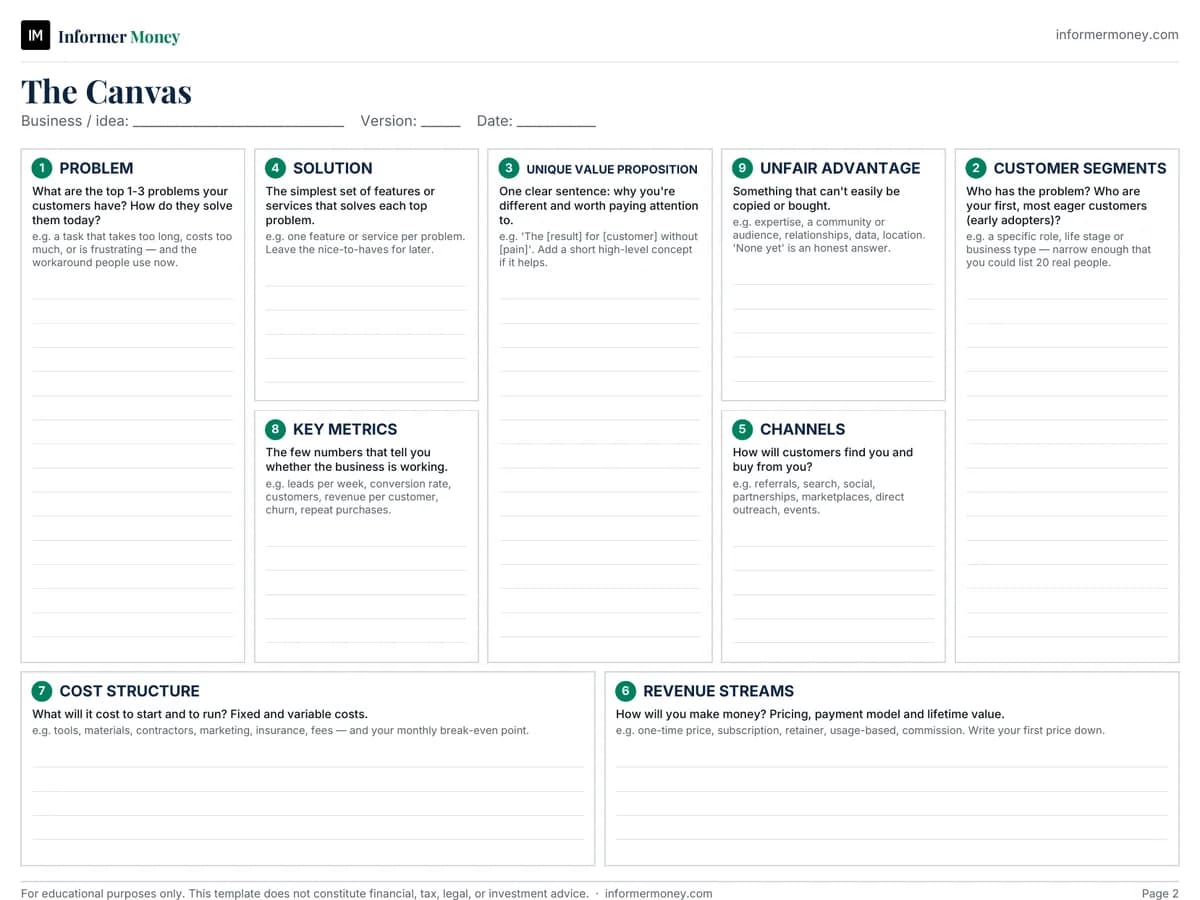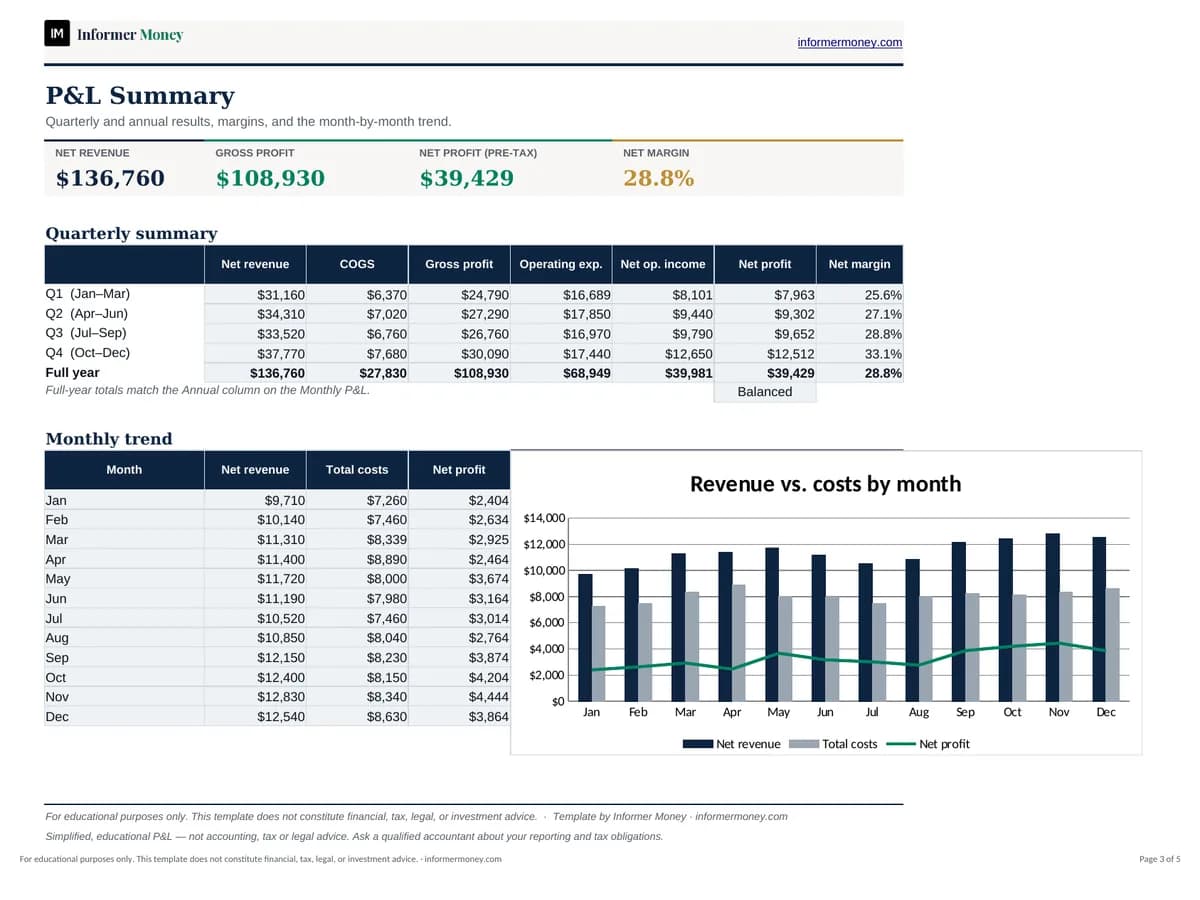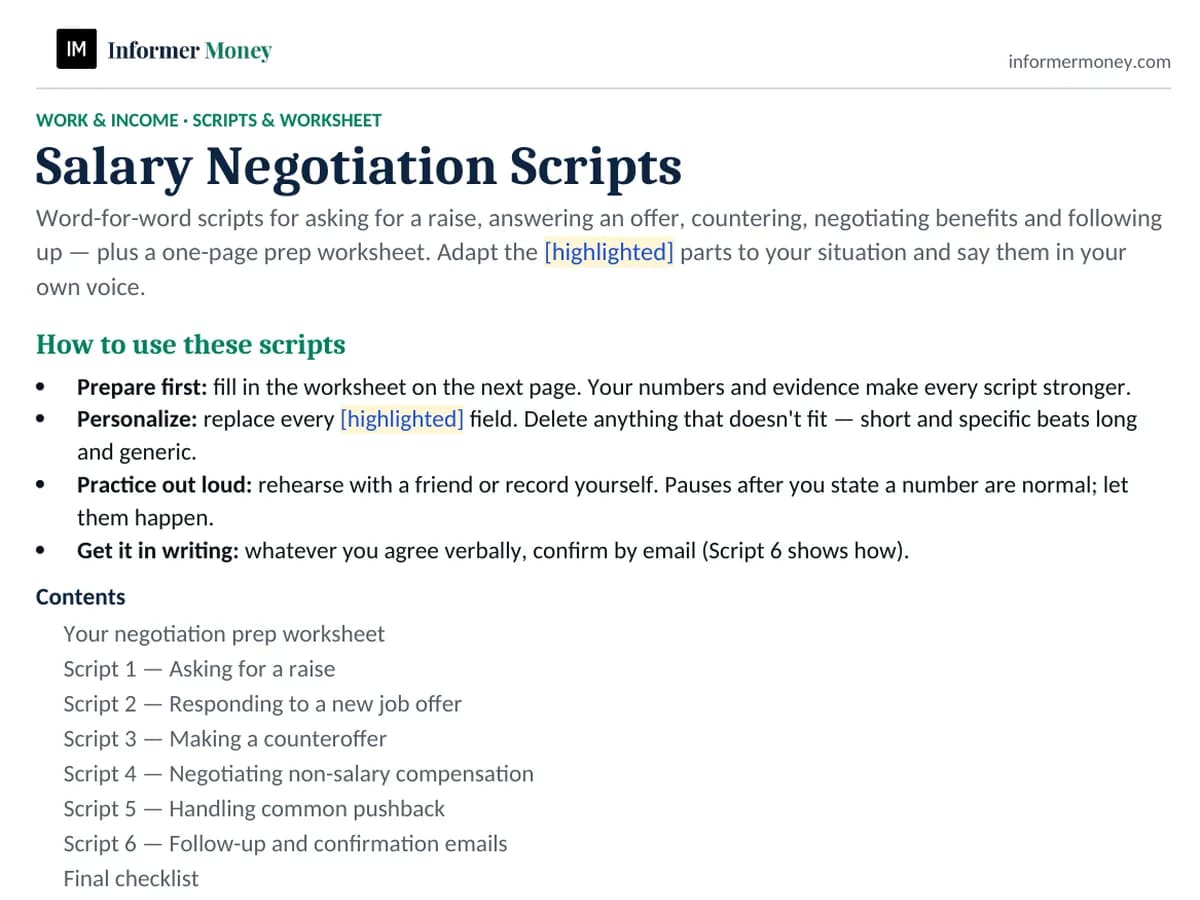
About this template
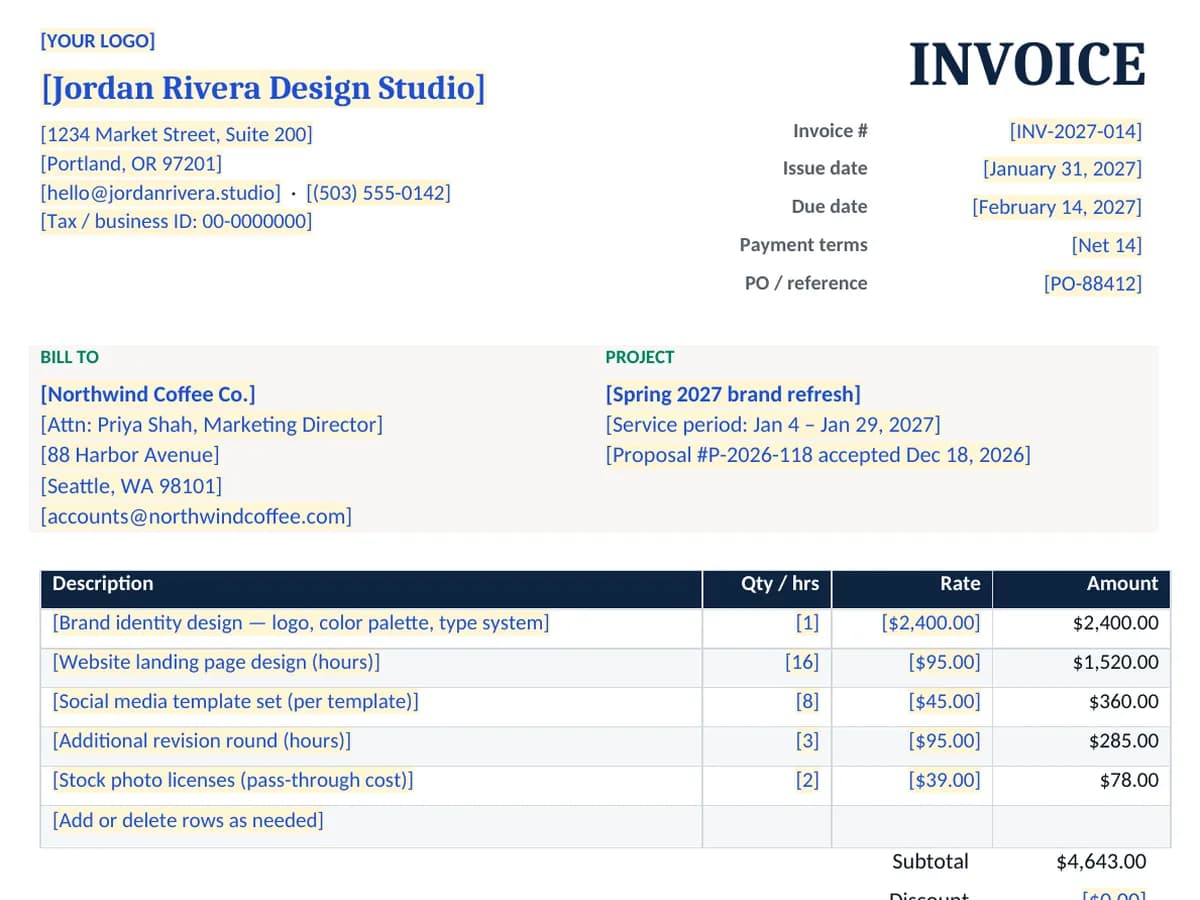
Clear invoices get paid faster. This template includes the details accounts-payable teams look for: your business and client details, a unique invoice number, issue and due dates, itemized work, subtotal, tax, total and balance due, plus payment instructions and terms.
Every fill-in field is highlighted so you can replace it in minutes, and a removable page of guidance explains what to include and what to check before you hit send. Use the editable document for each new invoice, or print the PDF to fill in by hand.
Who it's for
- Freelancers, consultants and contractors
- Small businesses and side hustles without invoicing software
- Creatives billing by the project or by the hour
What's included
- Issuer and client blocks, logo placeholder and tax/business ID line
- Invoice number, issue date, due date, payment terms and PO/reference
- Line-item table with quantity or hours, rate and amount
- Subtotal, discount, sales tax, total, amount paid and balance due
- Payment details, terms (including optional late-fee wording) and notes
- Removable guidance page: what to include and a pre-send checklist
How to use it
- 1
Open the editable document and replace every highlighted [bracketed] field.
- 2
Swap the logo placeholder for your own logo.
- 3
Use a unique invoice number and set the issue date, due date and terms.
- 4
List each deliverable, then double-check every amount, the subtotal, tax and balance due.
- 5
Delete the guidance note and page two, then save or export as PDF to send.